Customers
Help requested in seconds, followed to the end
An app and a website in your name, so a stranded customer knows what it costs and when help arrives.
See it in a demoRoadside assistance and towing software
AutoTech360 Roadside runs a towing or roadside assistance company from one dispatch panel. Customers request help from an app in your name: they choose the service with a price estimate, share their location and photos, and get a notification at every step until the truck arrives.
Features
Your office sees each request the moment it comes in, on a list and a map, picks a truck, gives an arrival time and sends the job to the driver on WhatsApp. Drivers work from a private job page on their phone, and the panel warns you when a job is waiting too long or running late.
Customers
An app and a website in your name, so a stranded customer knows what it costs and when help arrives.
See it in a demoCustomers sign in with their phone number and an SMS code, choose a service with a price estimate, describe the vehicle, share their location and up to five photos, and say where to tow the car.
A push notification at every step from truck assigned to completed, the job's history, more photos at any time, then a receipt and a rating when the job is done.
A public website with your services and prices, how it works, membership plans, reviews drawn from real ratings, call and WhatsApp buttons, and a privacy policy and terms ready to link.
Dispatch
One screen for every open job and every truck, with alerts before a customer is left waiting.
See it in a demoThe panel beeps and shows a banner when a request comes in. Open jobs appear on a list and a map, with every truck shown as busy or free, and the page keeps itself up to date.
Pick a truck, give an arrival time and send the job to the driver on WhatsApp. Callers who phone in are booked from the panel and kept up to date on WhatsApp instead of the app.
A red banner and a beep on every page when a request has no truck after 10 minutes, a driver has not set off after 15, or a truck is running late past its arrival time. Each limit can be changed.
Drivers & payments
Drivers work from their phone's browser, and every job ends with a price, a payment and a receipt.
See it in a demoNo app for drivers to install. Each truck has a secret link that beeps and vibrates on a new job, with buttons to call the customer, navigate, mark on the way, arrived and complete, and add photos.
A base price and a per-kilometre price for each service, shown to customers as an estimate and used to price a job automatically, with member discounts applied.
Record cash, UPI, card or bank transfer when a job is done, keep a list of unpaid jobs, and share a receipt page the customer can print or save as a PDF.
Grow
Yearly memberships for repeat income, roles for your staff and a monthly report you can download.
See it in a demoPlans with a yearly price, free callouts and a discount on other jobs. A member's booking uses a free callout automatically, and expiring memberships get a one-click WhatsApp renewal reminder.
Admins see everything; dispatchers run the day without revenue, prices or staff settings. Every change to a job is recorded with who made it: office, driver or customer.
Any month's requests, completed jobs, revenue, money collected, unpaid jobs and ratings, broken down by service and by truck, with the month's bookings downloadable as a spreadsheet.
See it
Real screens from the product, shown with demo data. Pick a screen to look closer, or open it full size.
Mobile apps
Your customers get an Android and iOS app with your name. It requests help, shows the price up front and follows the job until the truck arrives. Your drivers get a job page that works in any phone browser.
Choose the service with its price estimate, describe the vehicle, share the location in one tap and add photos of the problem.
See the truck and driver assigned, the arrival time and each stage of the job, with a notification at every step.
Each truck's own page, saved to the driver's home screen, with the job, the customer's number and one button per stage.
Why it matters
AutoTech360 Roadside is built around results your team will notice, not just features on a list.
Requests arrive with the service, vehicle, location and photos already filled in, so a truck can be sent without calling the customer back.
Customers get a notification at every step and see the arrival time you gave them.
Alerts flag a request with no truck, a driver who has not set off or a truck running late, while there is still time to act.
Prices come from your price list, payments are recorded at the roadside and unpaid jobs stay on a list.
Yearly plans with free callouts bring customers back to you instead of the first number they find.
Revenue, collections and ratings by service and by truck for any month, without a spreadsheet.
How we work
A clear five-step process, so you always know what happens next and what you will get.
Every project starts with a free, no-obligation consultation.
We add your company name, phone number, address, currency, services and prices, trucks and drivers, and membership plans.
The booking website goes live on your domain, and the customer app is built in your name for Android and iOS.
We connect an SMS provider for login codes and switch on push notifications for job updates.
Dispatchers learn the dashboard, alerts and memberships, and each driver gets their job page link on their phone.
We help you publish the app and stay on hand after launch to tune prices, plans and alert times with you.
Security & control
Who can see the money, how customers sign in and where job details live are decided by you, not by a third-party platform.
Ask about security in your demoDispatchers run bookings, customers and memberships. Revenue, reports, prices, plans and staff accounts stay with admins.
Codes expire after 10 minutes, are limited to a few an hour and lock after 5 wrong tries, and a customer's number can only be changed by your staff. App sign-ins expire after 180 days.
Each driver sees only their own truck's jobs. If a link is shared with the wrong person, a new one stops the old one at once.
Receipt links are random, so they are safe to share.
A privacy policy and terms of service written to match what the system does, ready for your website and the app stores.
Runs on your own server or cloud over HTTPS, with a pre-launch check that lists any setting not yet safe for real customers.
FAQ
Straight answers to what buyers ask us most. Can't find what you need?
Ask us directlyRoadside assistance software takes breakdown and towing requests from customers, helps the office send the right truck and keep the customer updated, and records the price, payment and rating for every job.
Four parts that work together: a customer app for Android and iOS, a booking website, a web dispatch panel for your office, and a private job page for each driver. All four share the same jobs, prices and memberships.
No. Each truck has a private link that the driver keeps on their phone's home screen. While it is open, it checks for new jobs, beeps and vibrates. The WhatsApp message from the office remains the main notice of a new job.
With their phone number and a six-digit code sent by SMS, through MSG91 or Twilio. New numbers get an account automatically, so there is no password to remember.
Yes. The office books callers from the panel, and those customers get one-click WhatsApp updates instead of app notifications. If they install the app later, they sign in with the same number and see their history.
Customers see each stage of the job and the arrival time the office gave them, with a notification at every step. Trucks are not tracked live by GPS; drivers navigate to the customer with Google Maps from their job page.
Payments are recorded by the driver or the office as cash, UPI, card or bank transfer, and memberships are sold by the office. Online payment can be added as part of your set-up.
Yes. The website, app and panel use your company name, the website runs on your domain and the app is published under your name.
See our app development workIt depends on the number of trucks, how much branding and customisation you need, and whether you want extras such as online payment. After a free demo you get a fixed quote, with no hidden extras.
See how our pricing worksFree PDF brochure
Features, outcomes, delivery process and FAQs in one PDF you can share with your team or management.
Your download should start automatically. If not, use the button.
 Fleet Management Software: Complete Guide to Features, Benefits & Trends in 202623 Jul 2026 · 5 min read
 Car Service App Development Guide: Features, Benefits, Cost & Development Process22 Jun 2026 · 9 min read
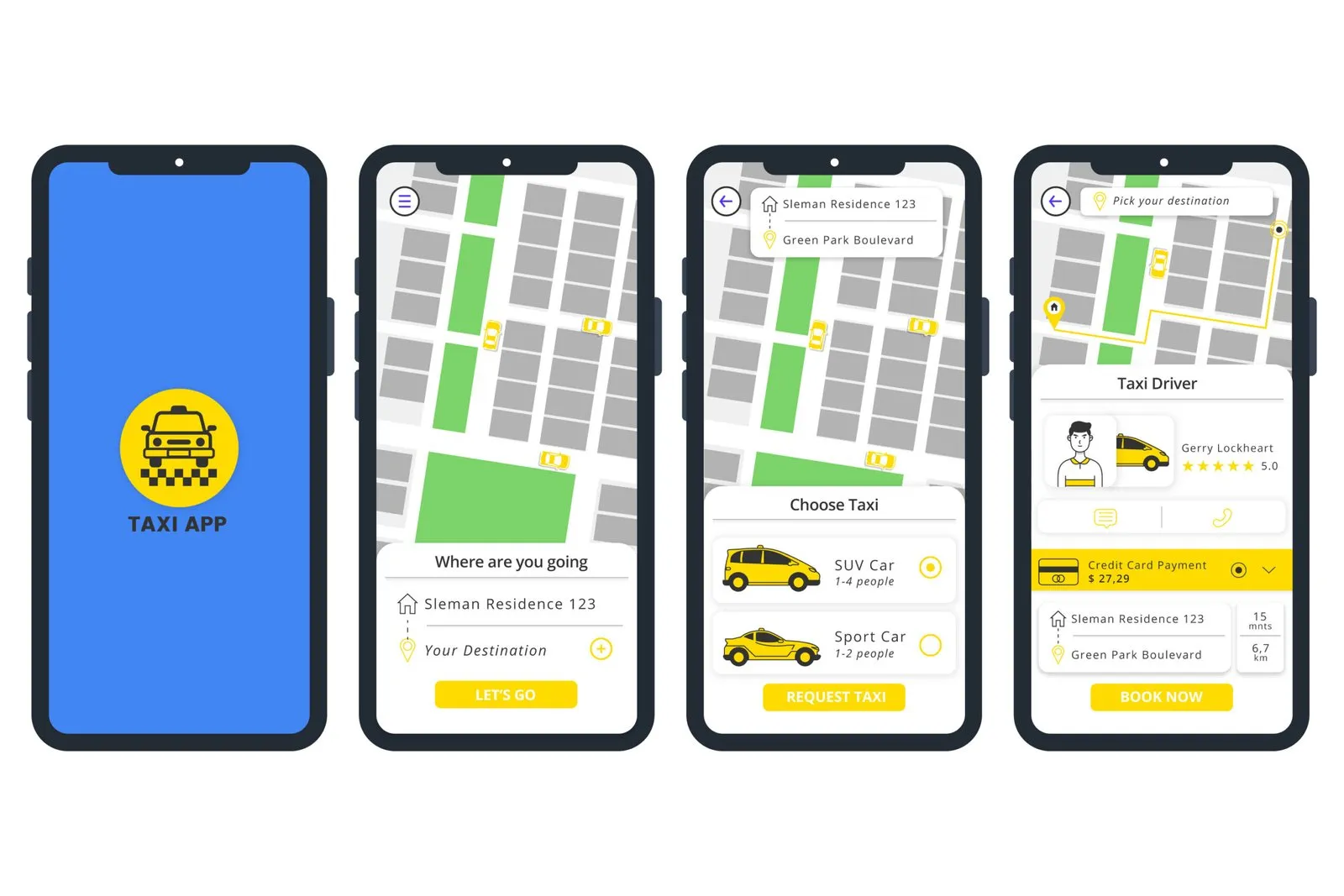 Taxi Booking App Development Cost in 2026 (Complete Guide for Startups & Enterprises)13 Apr 2026 · 4 min read
Free demo
Book a free demo and we will walk through a breakdown from start to finish: the request from the app, dispatch on the map, the driver's job page, the receipt, a membership and the monthly report.
What happens next
Prefer to talk now?
Fields marked * are required.